JIZERSKEHORY.APP / STUDIO 1.4.0
A shot that speaks for you.
Add up to 6 text layers to photos and videos. Move, resize and rotate them; choose a font, color, outline, shadow or panel. Set when each text appears in video. Choose Original, 9:16, 16:9, 1:1 or 4:5; crop or keep the full frame with a solid or blurred background. Edits stay on your phone and originals are preserved.
Coming in update 1.4.0
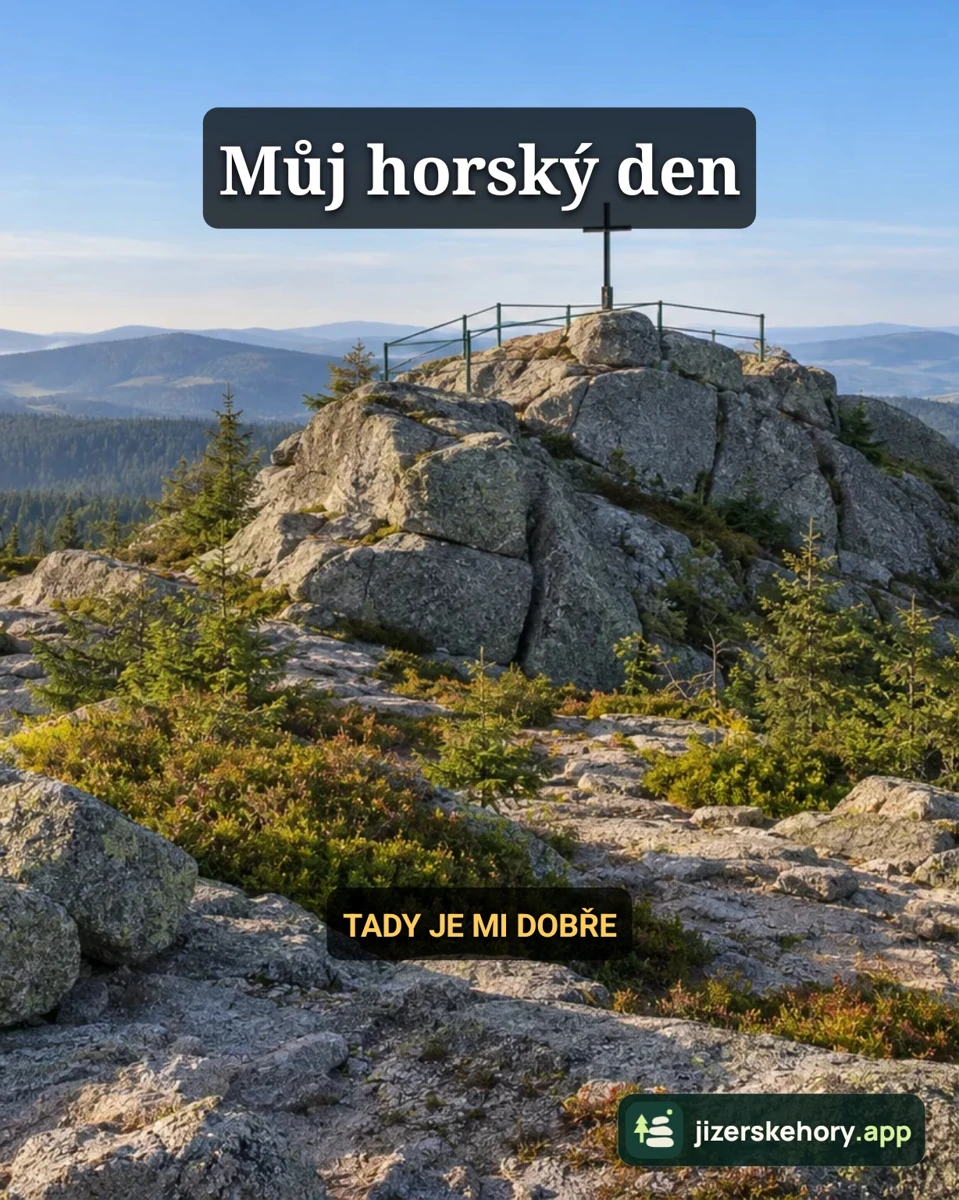
01 / JPG
One view. Five formats.
Switch formats to compare actual exports of the same photo.
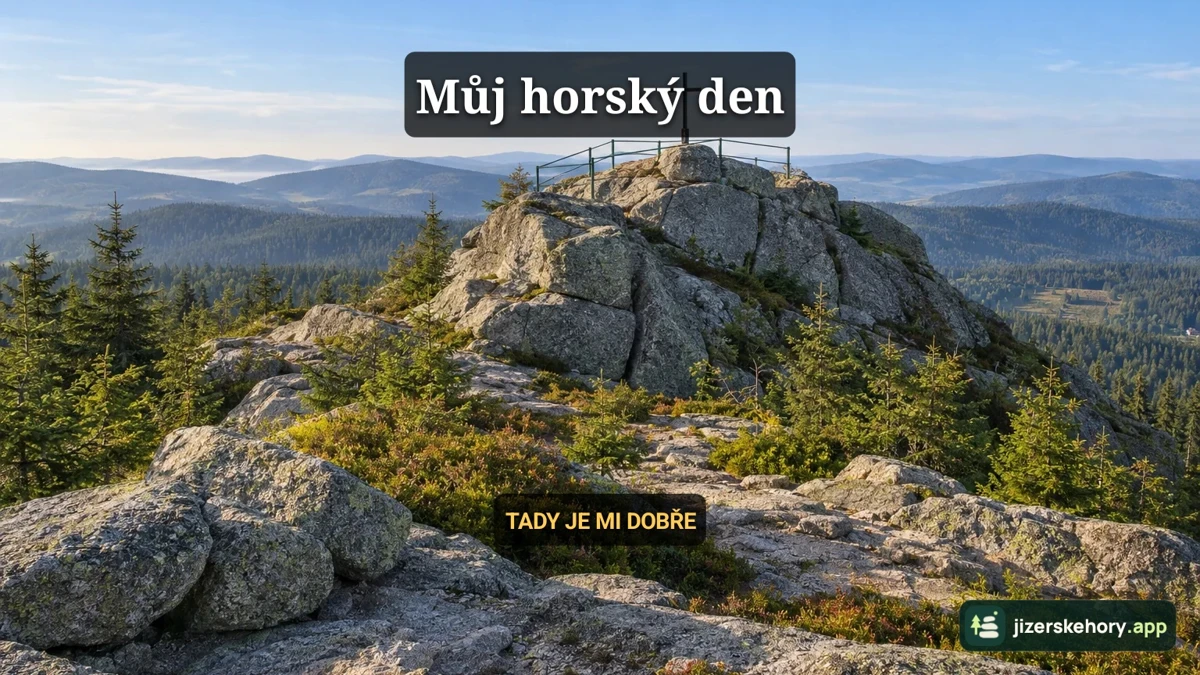
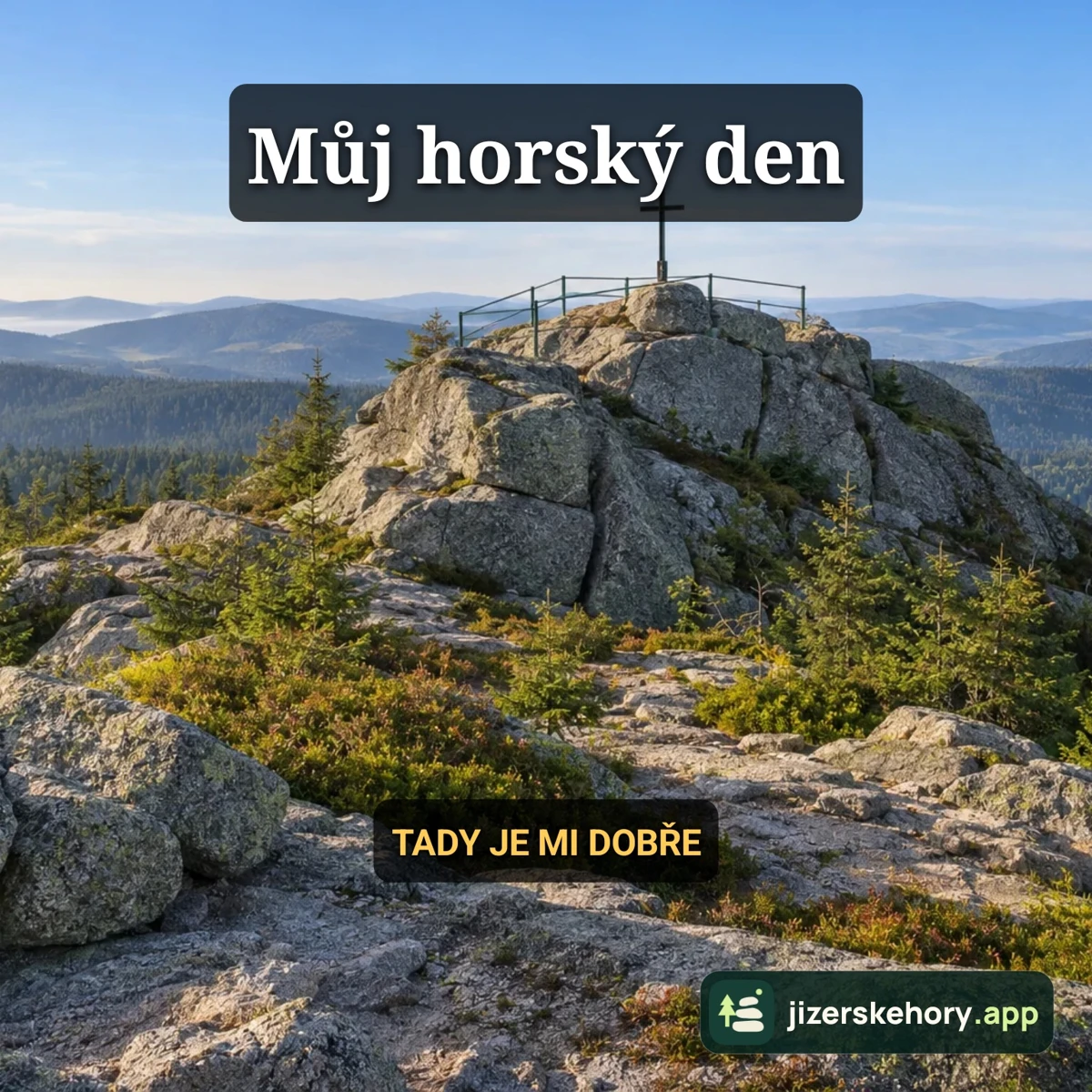
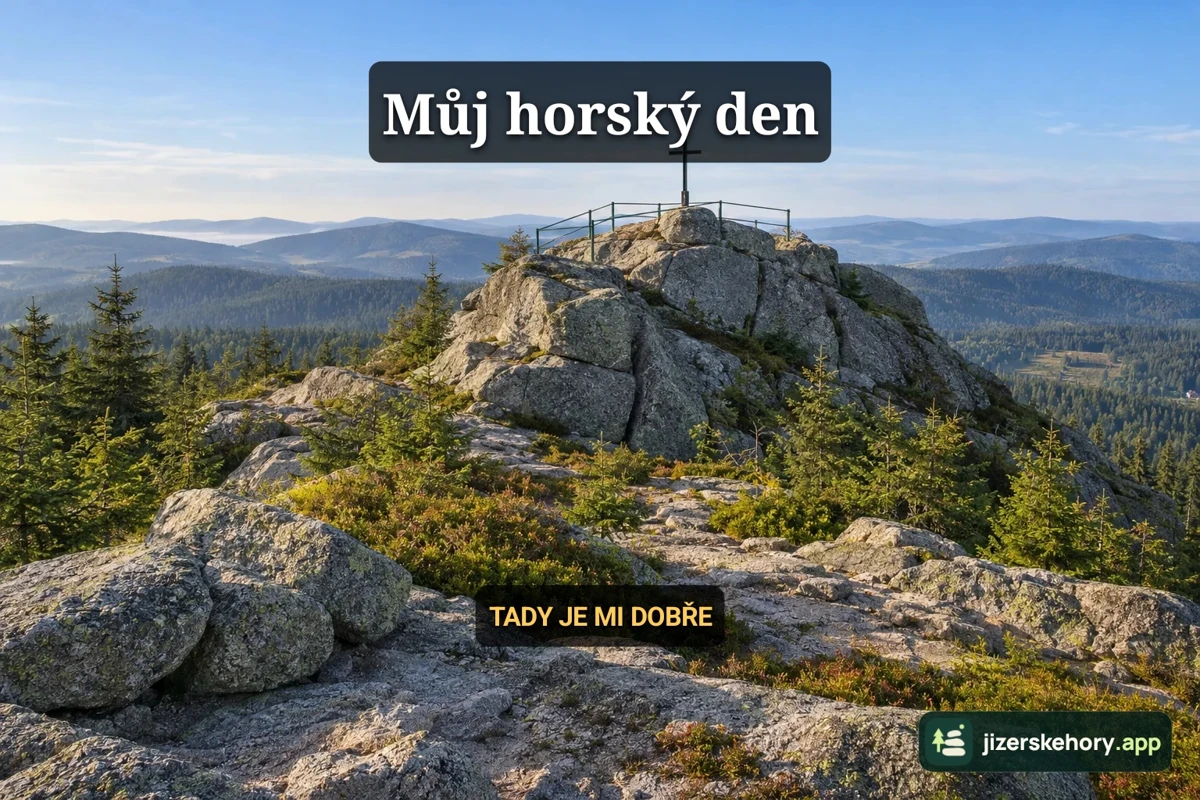
02 / 9:16
The whole view, or a detail?


03 / MP4
Text at just the right moment.
A different text appears in the second half of each clip. You start playback yourself.
Actual Studio exports with Czech text. Video examples have no sound.
STUDIO 1.4.0
Play before saving
Play a preview before saving, with sound, custom text, your chosen format and an optional selfie inset. Pause and seek through the preview. The still-frame preview slider now has a clearer explanation.
Coming in update 1.4.004 / STUDIO
From a shot to your own story
Take a photo or video in Studio. A selfie is optional.
Open Custom text and Format. Adjust the style, position and display time of each text.
Choose Create and save result. Find the result in Saved and share it when you want.
Edits happen on your phone. Originals are preserved; nothing is published automatically.
Privacy ↗